I forgot my password
When signing in, click Forgot your password? and enter your email address. You get a reset link that is valid for 1 hour.
Privacy and account · Updated on 01/11/2026
This works the same way in the web app and in the app.
Setting a new password
- On the sign-in screen, click Forgot your password?
- Enter your email address and click Send reset link.
- Open the email from Klox and click Set a new password.
- Choose a password of at least 8 characters and click Save password.
- Sign in again. You have to do this on all your devices, because Klox signs you out everywhere.
The link is valid for 1 hour and works once.
If it does not work
- No email received: check your spam and make sure you use the right address. Klox does not say whether an address is known and only sends an email to active accounts.
- Never signed in: then you do not have a password yet. Ask your admin to send your invitation again. Admins can read My employee did not get the invitation.
- Link invalid or expired: the link is too old or has already been used. Request a new one.
- Too many failed attempts: after 10 wrong attempts in 15 minutes, wait a quarter of an hour or reset your password.
Your PIN for the kiosk is not your password. For that, read The kiosk PIN: choose, change or forgot it.
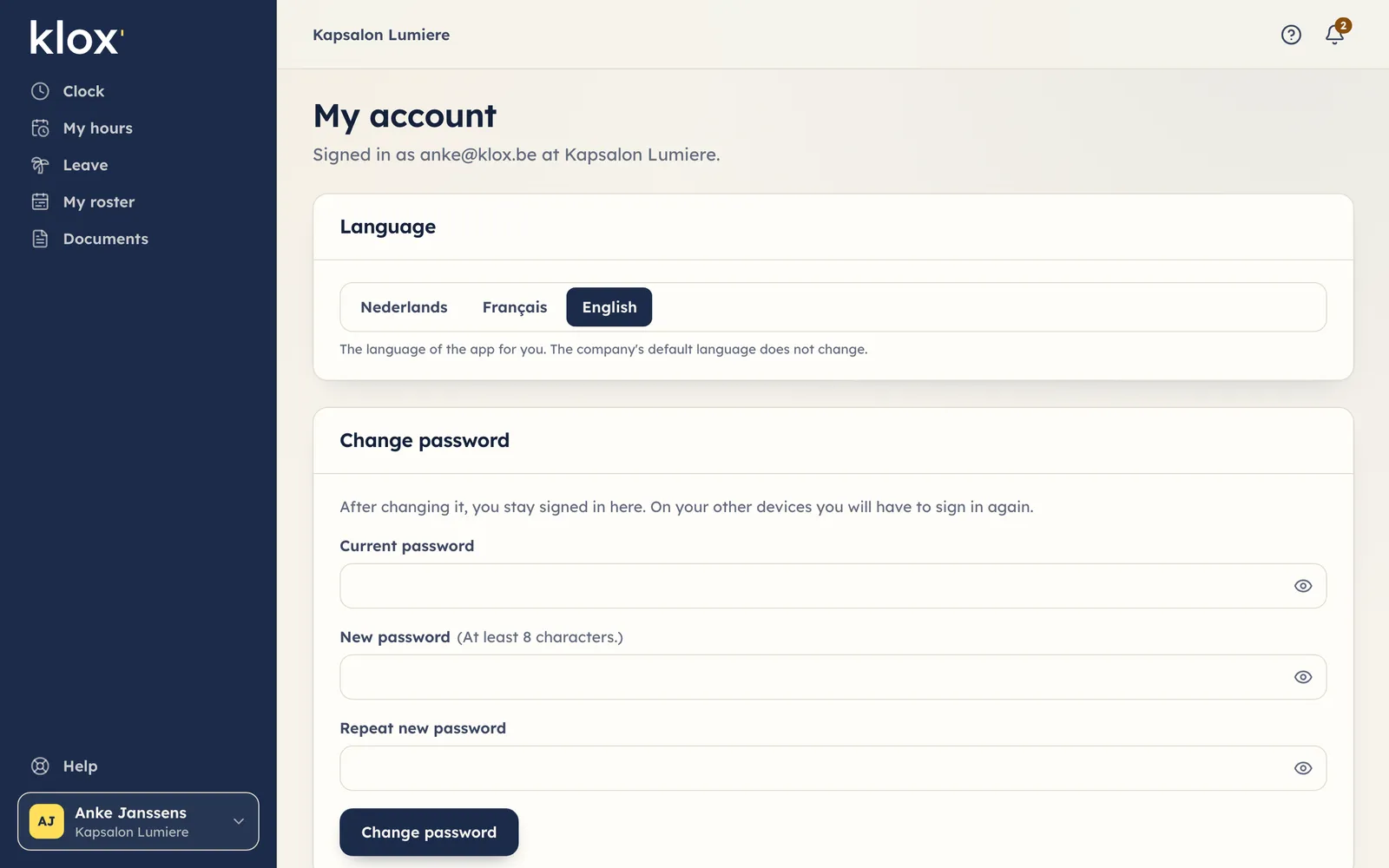
Changing your password if you know it
- Go to My account.
- Under Change password, enter your current and your new password.
- Confirm. Your other devices are signed out.
Your email address has changed
You cannot change your email address yourself. Ask your admin. Admins send us a question.
Was this article helpful?