Clock in on your phone or computer
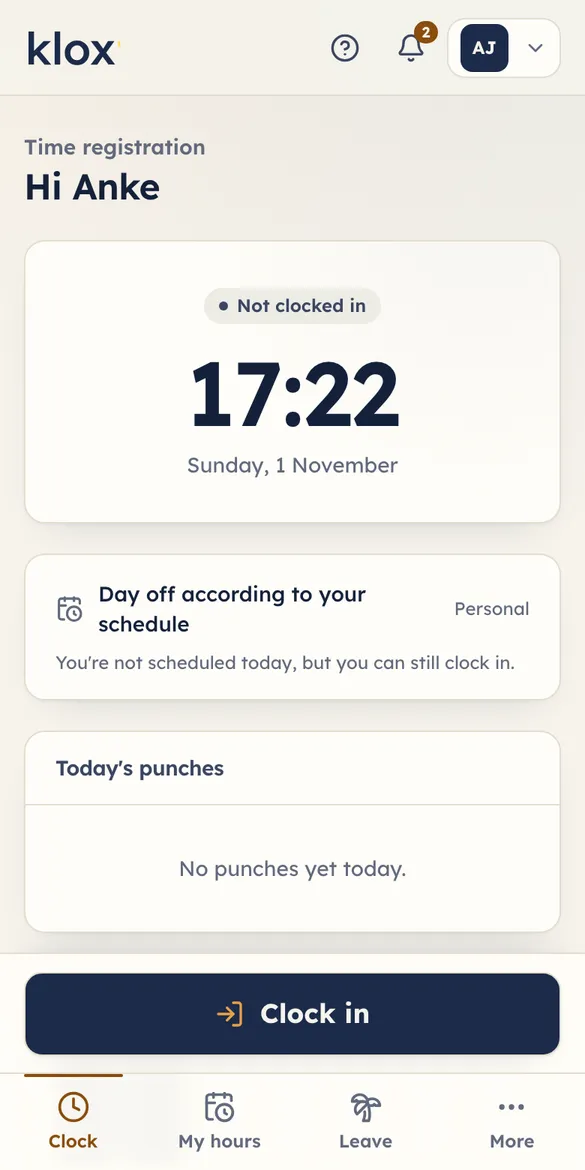
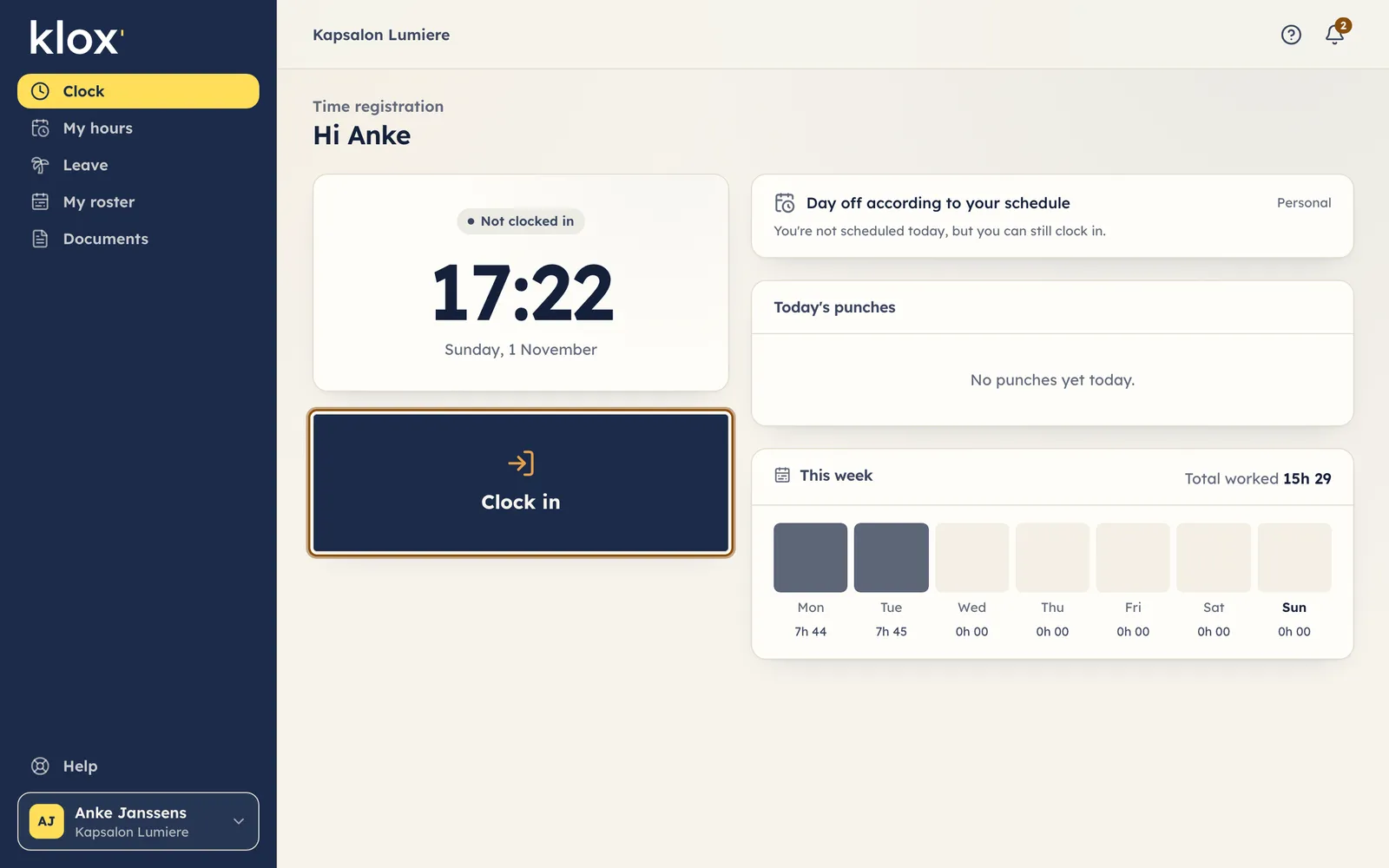
Sign in to Klox, open Clock and tap Clock in. At the end of your day, tap Clock out. Klox records the right time itself.
Clocking in · For employees · Updated on 01/11/2026
There is nothing to install. Clocking works in the browser of your phone, tablet or computer. Prefer an app? See Install the Klox app on your phone.
Clock in
- Go to app.klox.be and sign in with your email address and password.
- Open Clock.
- Tap Clock in.
Your time shows up right away in today's registrations. The Klox server records the time, not your device. So you do not have to enter it.
During and after work
- Start break when you take a break, End break when you resume. See Register a break.
- Clock out when you stop.
- Working again later today? Just clock in again.
Check my hours
Your hours are under My hours. Something wrong? See Request a correction.
Faster on your phone
On a phone, Klox can suggest adding it to your home screen. On Android, use the install button. On iPhone, tap Share at the bottom and choose the option to add it to your home screen. You then open Klox like an app.
Something not working?
- No network? See Clock in without internet.
- An error message? See I can't clock in.
- Forgot to clock out? See I forgot to clock out.
Was this article helpful?