Your hours are wrong: request a correction
Open My hours, choose Request correction next to the entry and describe what is wrong. On the kiosk, tap Something wrong? Your manager decides.
Registrations and corrections · For employees · Updated on 01/11/2026
You cannot change your own entries. You request a correction, and your manager or the owner decides. Your original punch is always kept: a correction is added separately, with a reason, a name and a time.
An entry is wrong
This works in the web app and in the Klox app.
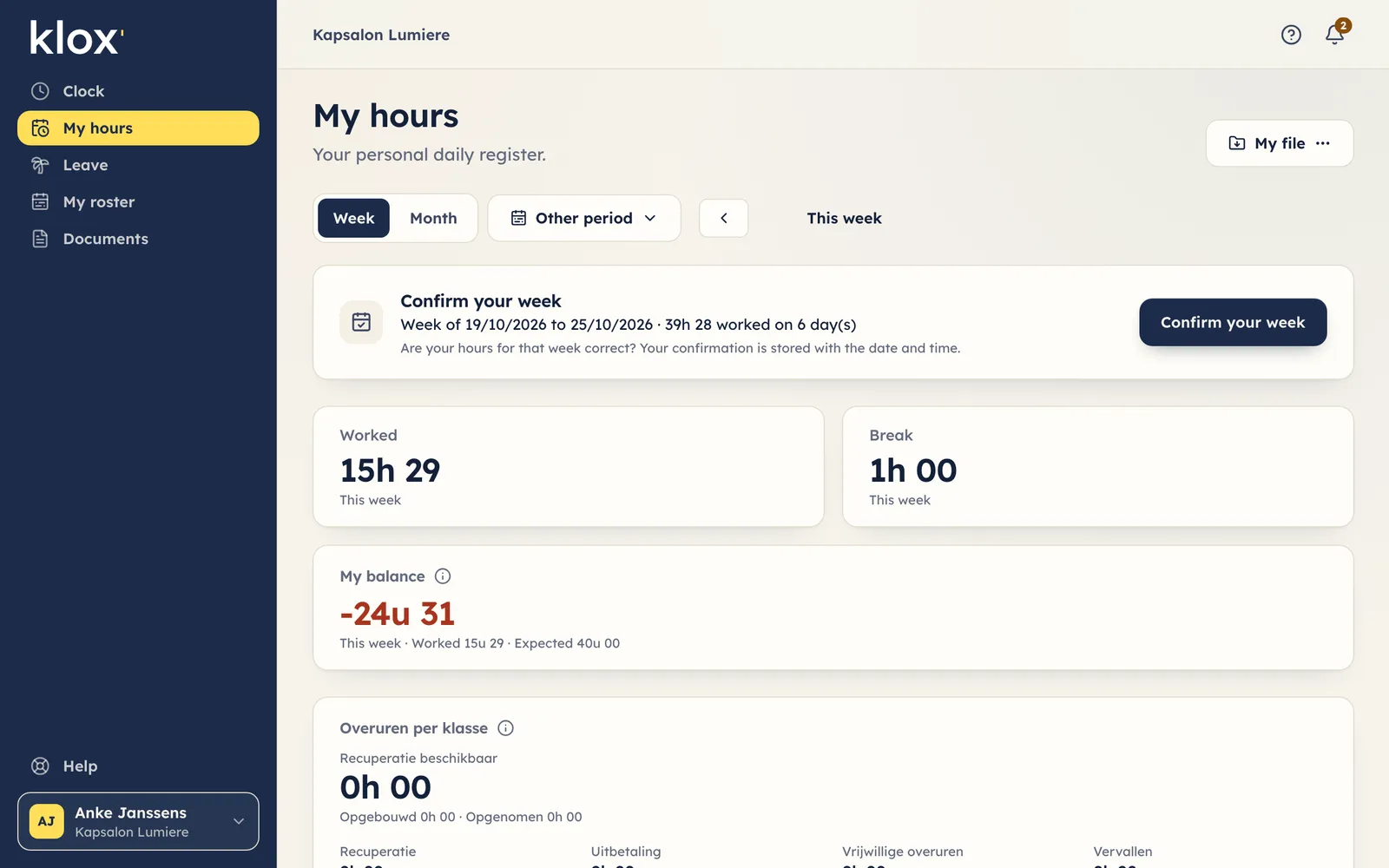
- Open My hours.
- Choose Request correction next to the entry.
- Under What's incorrect?, describe the problem, e.g. I worked until 5:00 PM, not until 8:00 PM.
- Clocked by accident? Tick This record should not count (clocked by accident).
- Choose Submit request.
The entry now shows Request pending.
A punch or a whole day is missing
- Open My hours.
- Choose Request a correction next to My correction requests.
- Choose the day and describe what is missing, e.g. I started at 8:00 but forgot to clock in.
- Choose Submit request.
In the app you pick a day from the last 7 days. For an older day, use the web app.
On the kiosk
You do not need an account for this.
- Sign in on the kiosk or just clock. Tap Something wrong?
- Choose I forgot to clock, A time is wrong or Something else.
- Choose Today or Yesterday. If a time from today is wrong, you also choose which punch.
- Add a note if you want and tap Send.
You see Sent to your manager. There is nothing else to do.
Is the button missing, or do you see Reporting is not available on this kiosk? Tell your manager directly.
Still clocked in from an earlier day? The kiosk shows You are still clocked in since. Leaving now? Tap Clock out. Only starting now? Tap Forgot to clock out: report it.
What happens next
Under My correction requests on My hours you see the status:
- Pending: your manager still has to decide.
- Resolved: your request is closed. With a correction you also get a message, and you see the reason.
- Dismissed: you see the reason under Reply.
A second request for the same entry or day is only possible once the first is closed. Wait for the answer or talk to your manager.
Want to know what your employer sees? Also read What does my employer see?.
Was this article helpful?