How do I request leave?
Open Leave, choose Request leave, enter the type and the days, and send it. Your employer decides and you get a notification about it.
Leave and schedules · Updated on 01/11/2026
This feature is part of Compliance Plus.
You request leave in the Klox app or on a computer. Your employer decides, and you get a notification as soon as that happens.
In the app
- Tap Leave at the bottom of the screen.
- Tap Request leave.
- Choose the type of leave.
- Mark your first and last day in the calendar.
- Only half a day? Choose it under Part of the day. For several days, the first day can be an afternoon and the last day a morning.
- Add a reason if you want to and tap Request.
On a computer
- Open Leave in the menu.
- Click Request leave.
- Choose the Type and fill in From and To.
- For one day, choose the Part of the day: Full day, Morning only or Afternoon only. For several days, use the two checkboxes.
- Add a Reason if you want to and click Request.
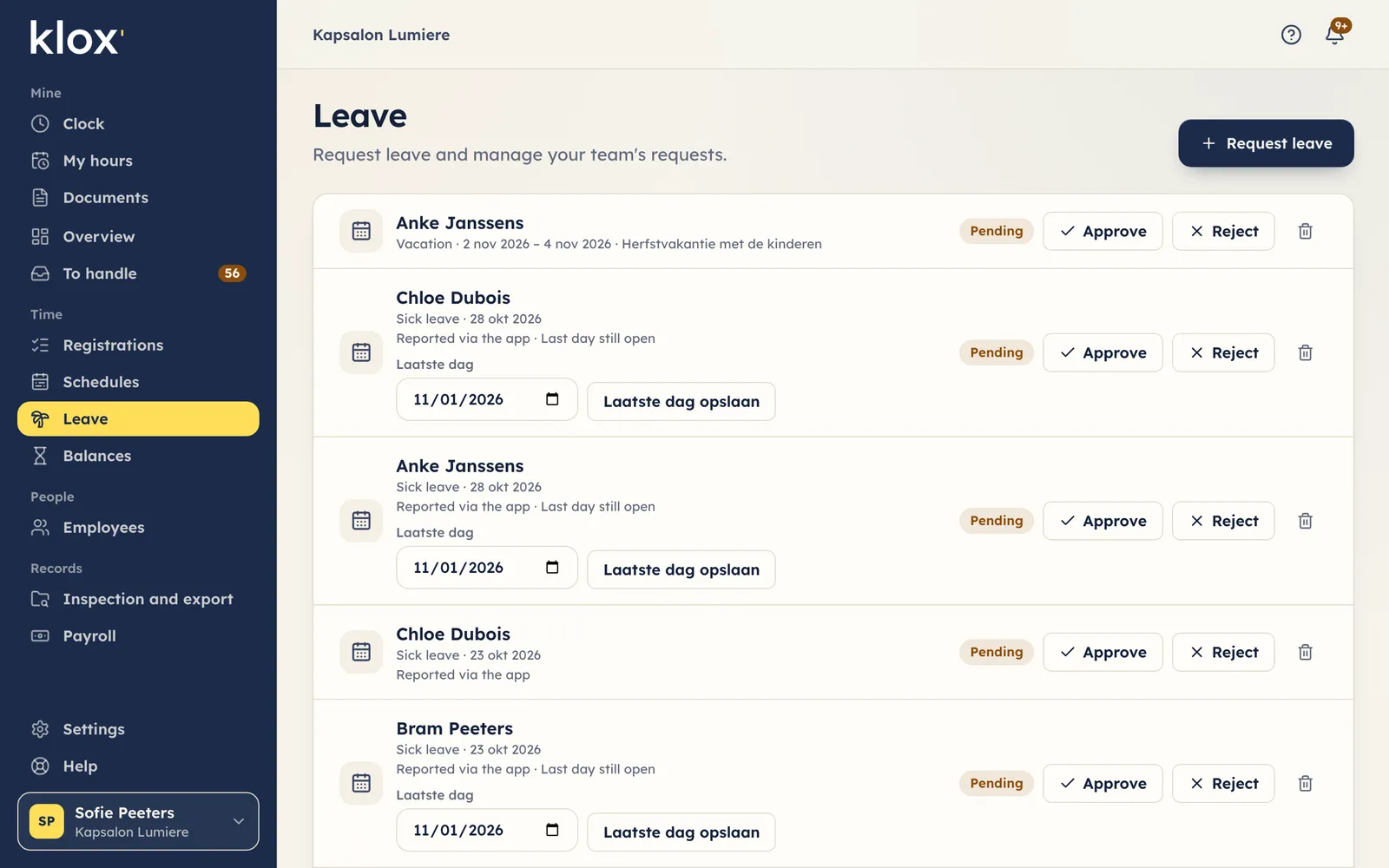
Your request now shows Pending. After the decision it changes to Approved or Rejected.
Withdrawing a request
You can do this while it is Pending. On a computer, click the bin icon next to the request. In the app, tap the request itself. Once a decision has been made, you can no longer withdraw it yourself. Talk to your employer instead.
How much leave do I have left?
Klox does not track that, because it does not know your yearly entitlement. Under My hours you can see what you have already taken this year, under Taken in followed by the year.
If you choose the type Time off in lieu, the app shows how many hours you will have left. If you ask for more than is available, you get a warning, but you can still send the request.
Not working?
- No Request leave button: your employer does not allow requests through Klox. Arrange it directly with them.
- Message about a minimum notice period: your employer requires advance notice. Choose a later day or talk to them.
- Message about a maximum number of days: your request is too long. Choose fewer days.
- Message that a reason is required: fill in the Reason field.
- Your type is not listed: your employer decides which types are switched on. Ask them.
Are you ill? Read how to report sick.
Was this article helpful?