How do I allocate overtime to time off or payout?
Switch on overtime allocation under Time balance. You then choose a category per day in To handle, or Klox uses a default category.
Overtime and balances · Updated on 01/11/2026
This feature is part of Compliance Plus.
Klox can put every hour of overtime in a category: Time off in lieu, Payout, Voluntary overtime or Forfeited. You can rename, switch off and add categories. This feature is off by default.
Switching it on
The owner and HR do this.
- Open Settings, Time registration, Time balance.
- Under Allocate overtime, switch on Allocate overtime to categories.
- Under How to allocate, choose Every day in To handle or Automatically to the default category. For automatic mode, also choose a Default category.
- Check Allocate from. With Also include last month, you include the previous month.
- Click Save settings.
In the same place you also set the smallest amount of overtime per day and the annual cap on voluntary overtime. That cap only gives a warning and blocks nothing.
Allocating overtime
- Open To handle and filter on Overtime.
- Next to a day, click the To button with the name of the category.
- Need another category? Click Other choice. There you also find Split across categories... to split a day.
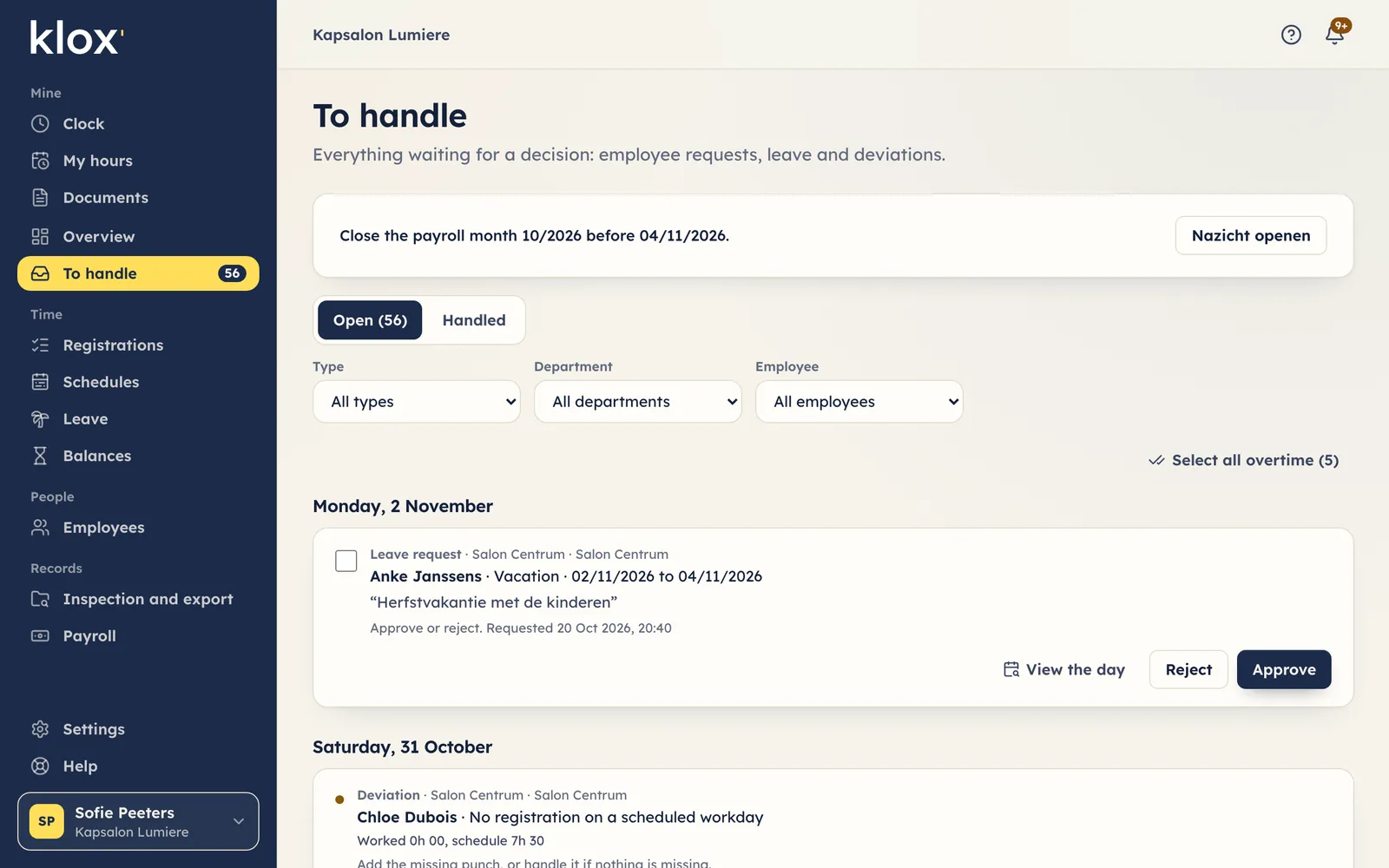
Many days at once? Use the option to select all overtime. If Klox is on automatic, this happens every morning at 06:30.
Allocating only works on a computer, not in the app. Someone else decides on your own overtime, unless you are the owner. A manager only allocates for their own team.
What counts as overtime?
The time worked minus the schedule for that day. So without a schedule, there is no overtime. A day only appears once it is over, no shift is still running and no automatic clock-out is waiting for confirmation.
Allocated something wrong?
Klox overwrites nothing. Choose Reverse on the allocation, give a reason and allocate again. You find the allocation on the employee's page, under Balance and leave, in History. If Klox says that more was allocated than there is overtime, the day changed afterwards, for example through a correction. Then reverse what is too much.
Taking time off in lieu
If the Time off in lieu leave type is on under Settings, Time registration, Leave, an employee requests it like normal leave. The hours come out of their time off in lieu.
Overview
At the bottom of Balances you find Overtime per category, also as CSV. See also viewing the balance.
Was this article helpful?