How do I read the audit log?
The audit log shows who did what and when. You find it under Inspection and export, Audit log tab. Lines cannot be changed or deleted.
Inspection and records · Updated on 01/11/2026
The audit log is the logbook of your Klox environment. Corrections, exports, leave decisions and changes to settings are added automatically. Nobody can change or delete a line.
Opening the audit log
Open Audit log, under Inspection and export.
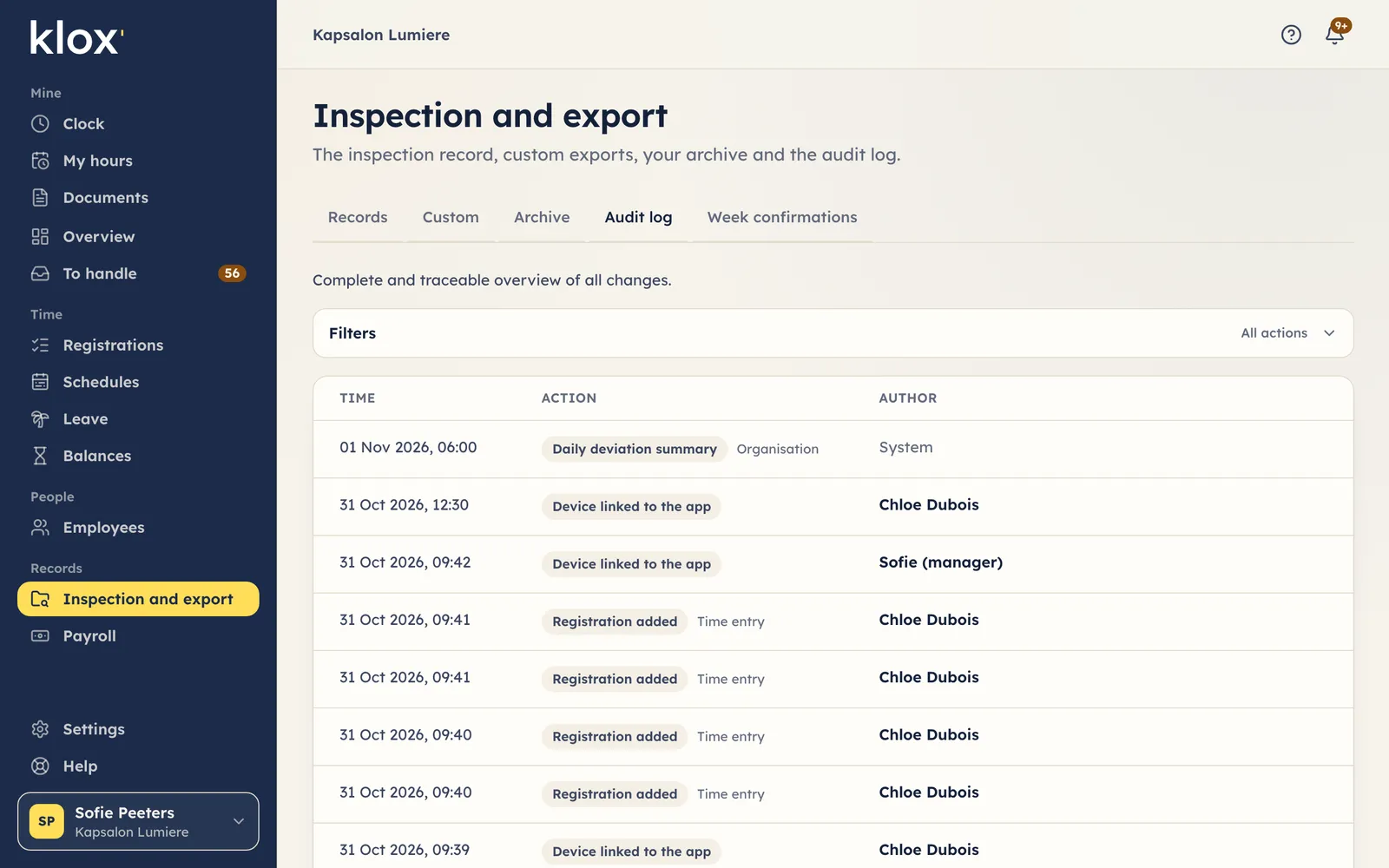
The owner and HR see everything. A manager only sees their own actions.
Reading a line
- Time: when it happened.
- Action: what happened, for example a correction added, an export created, leave reviewed or settings changed.
- Author: who did it. System means Klox did it automatically.
Finding something
- Open Filters.
- Choose a type of action and the dates if you like.
- Click Filter. With Clear you start again.
You see the 300 most recent lines. Use the filters to get older lines.
Exporting
The owner and HR go to the Archive tab and choose Export audit log. Choose the period and click Download CSV. The file also contains the IP address, the device and the details of each action.
Need the audit log during an inspection? Read what to do during an inspection.
Was this article helpful?