How do I download my own hours?
Open My hours in a browser, choose the period, click My file and choose Export PDF or Export CSV.
Inspection and records · For employees · Updated on 01/11/2026
You can download your own registered hours at any time, as a PDF or a CSV. You do not need your employer for that.
How to do it
- Open Klox in a browser and go to My hours.
- Choose the period. Use the previous and next arrows to browse, or go back to the current period.
- Click My file.
- Choose Export PDF or Export CSV.
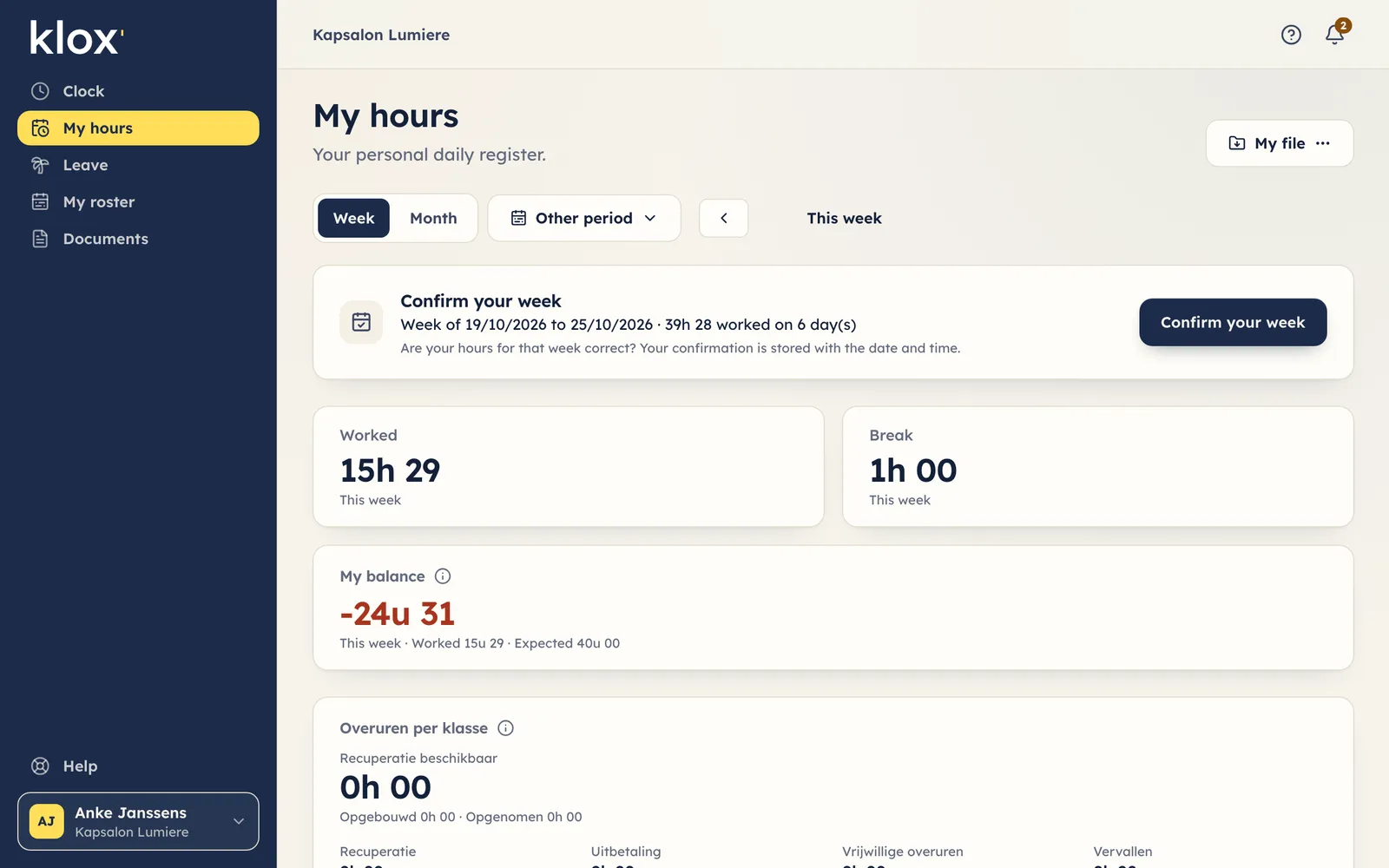
You only see your own hours. A PDF is handy to read or keep, a CSV opens in Excel.
Not working?
- The options are greyed out: there are no hours in that period. Choose another one.
- You are using the app: you cannot export there. Open Klox in the browser on your phone or computer. On a phone, the My file button only shows an icon: a folder with an arrow.
- You cannot sign in: use forgot password.
- Your company is blocked: you can still export.
Is an hour wrong? Request a correction.
Was this article helpful?